How to activate Visma eAccounting Integration
Last updated 8 days ago
Login to BI Book with your Admin rights
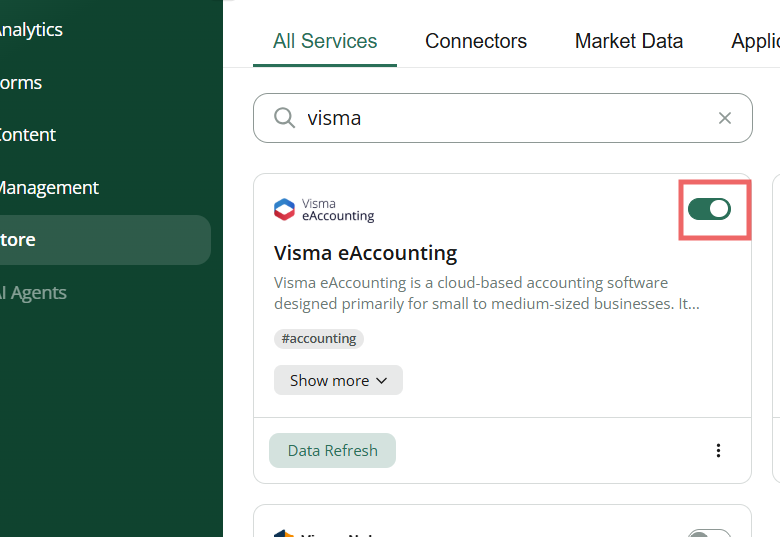
Open BI Book Store and search for Visma eAccounting integration
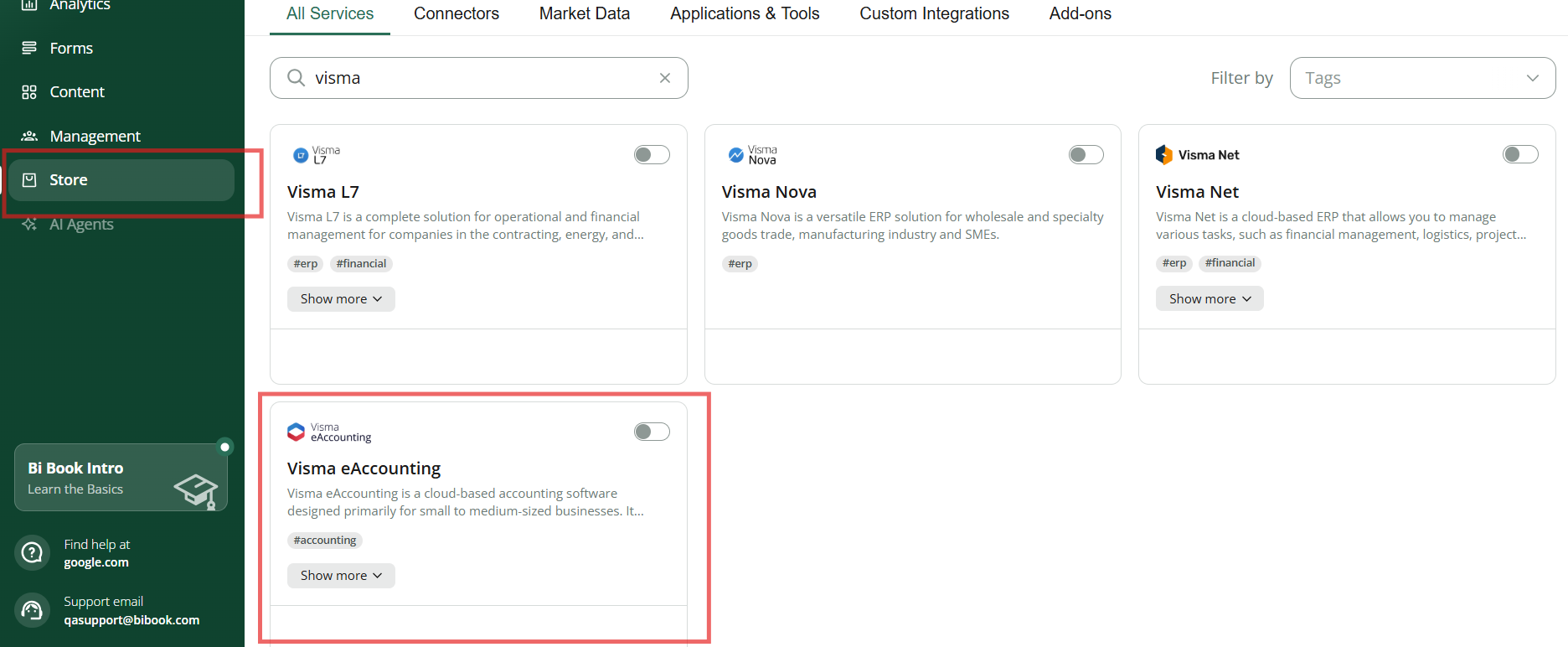
After you click the activation toggle on the integration card, you will see the pop up. Click “Proceed”.
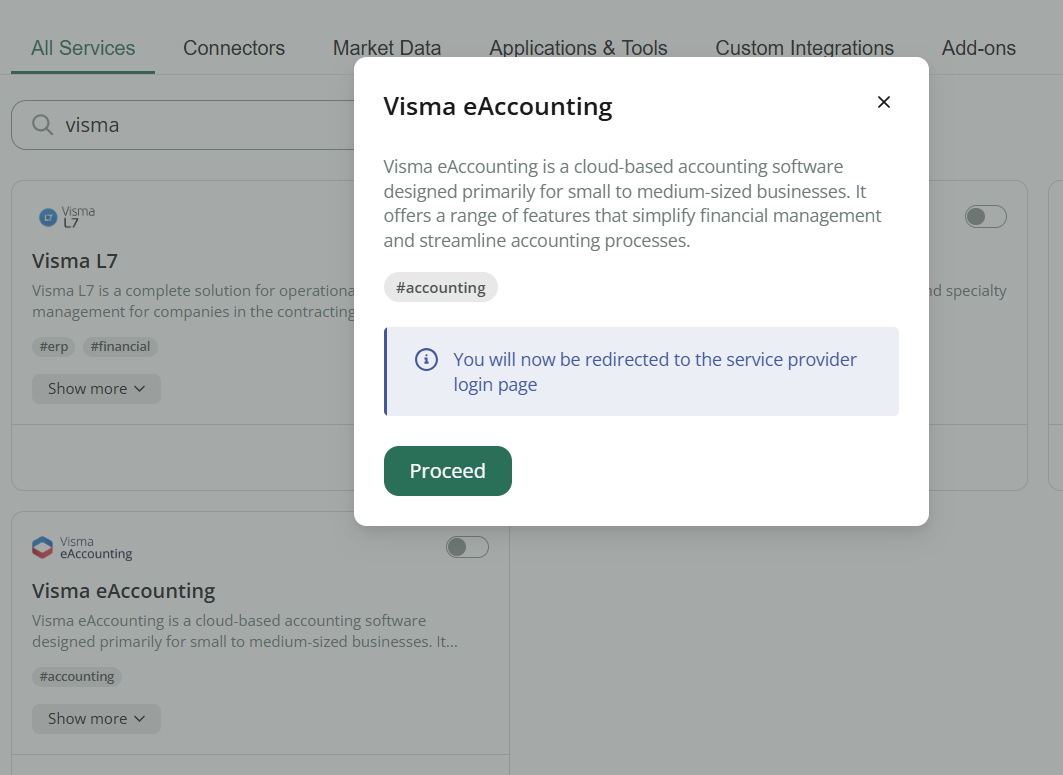
You will be invited to login to your Visma account:
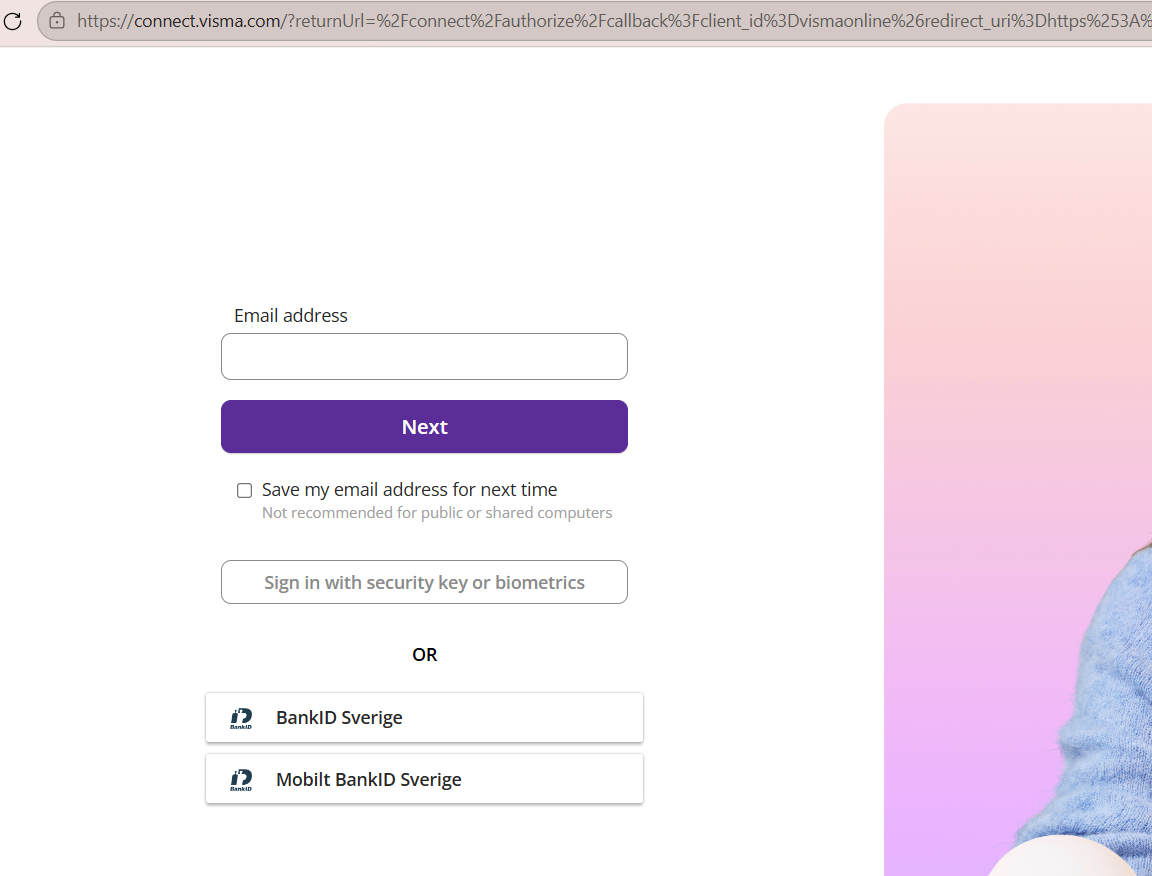
Please make sure that all the boxes are checked and click “Allow”:
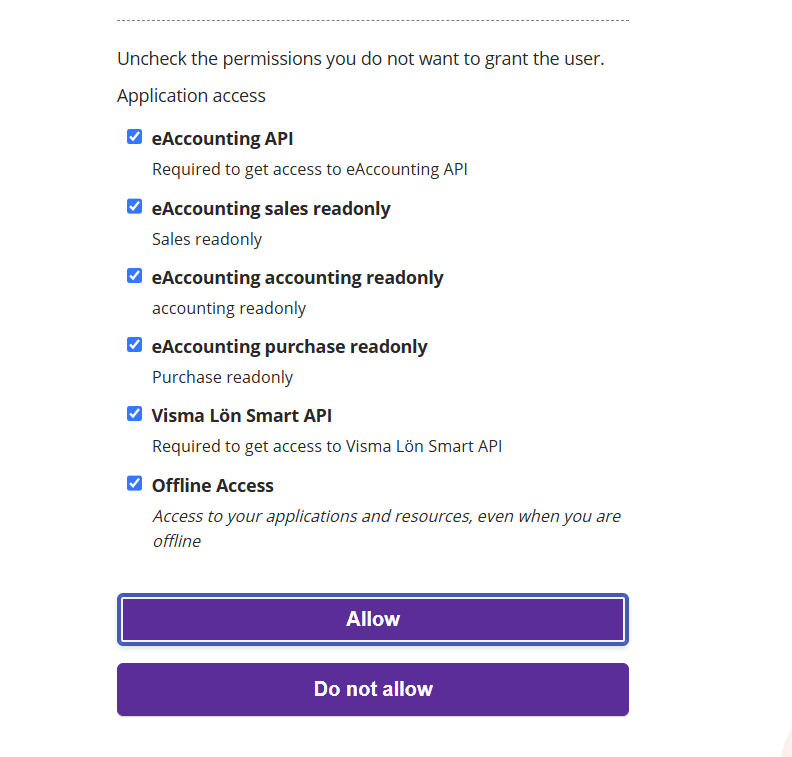
If the activation is successful, then the integration card will render as active:
Troubleshooting
Activation attempt results into error on BI Book side
Activation attempt results into error on BI Book side
Please make sure that you, as a user of Visma eAccounting, have access to all required modules. Some endpoints require additional modules in Bookkeeping & Invoicing/eAccounting purchased from the InApp store.
Make sure the Visma ePasseli API is activated. Activation is free of charge.
Still having issues after these checks? Contact your sales representative or analyst, or email us at support@bibook.com. We're happy to help.
Still need help? Ask the team